VibestatVibestat
Vibestat AI Engine 2.0 is live

Know how you
vibe code.

Upload your Cursor AI chat exports. Vibestat extracts your actual coding time, maps your skill tree, and grades your prompt efficiency — all from a single .md file.

The ultimate Vibe Score.

Our bespoke AI model reads your entire conversation history to grade your prompt engineering. Did you clearly define context? Did you avoid confusing the AI? Get a definitive score from 0-100 and learn how to talk to machines better.

84Excellent Vibe

Watch your Skill Tree grow.

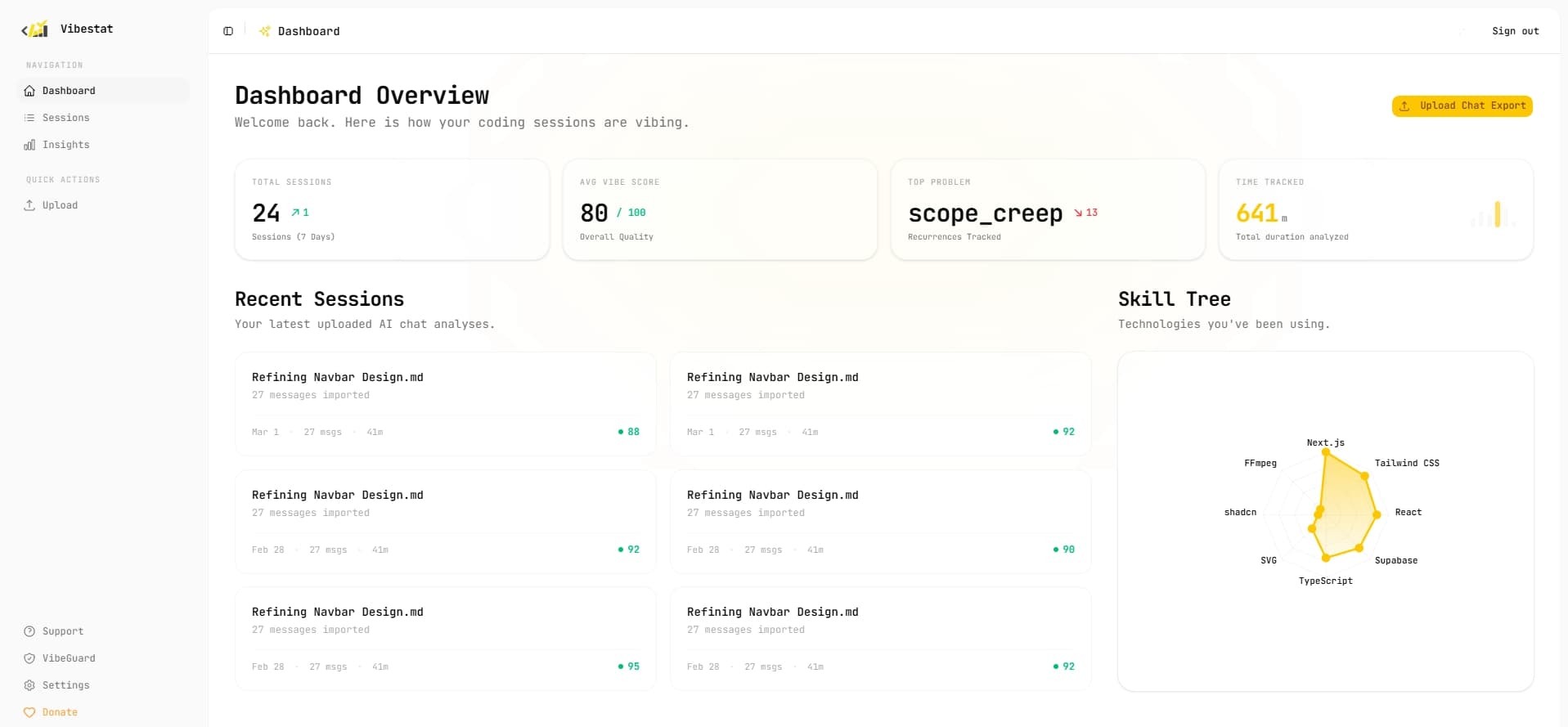
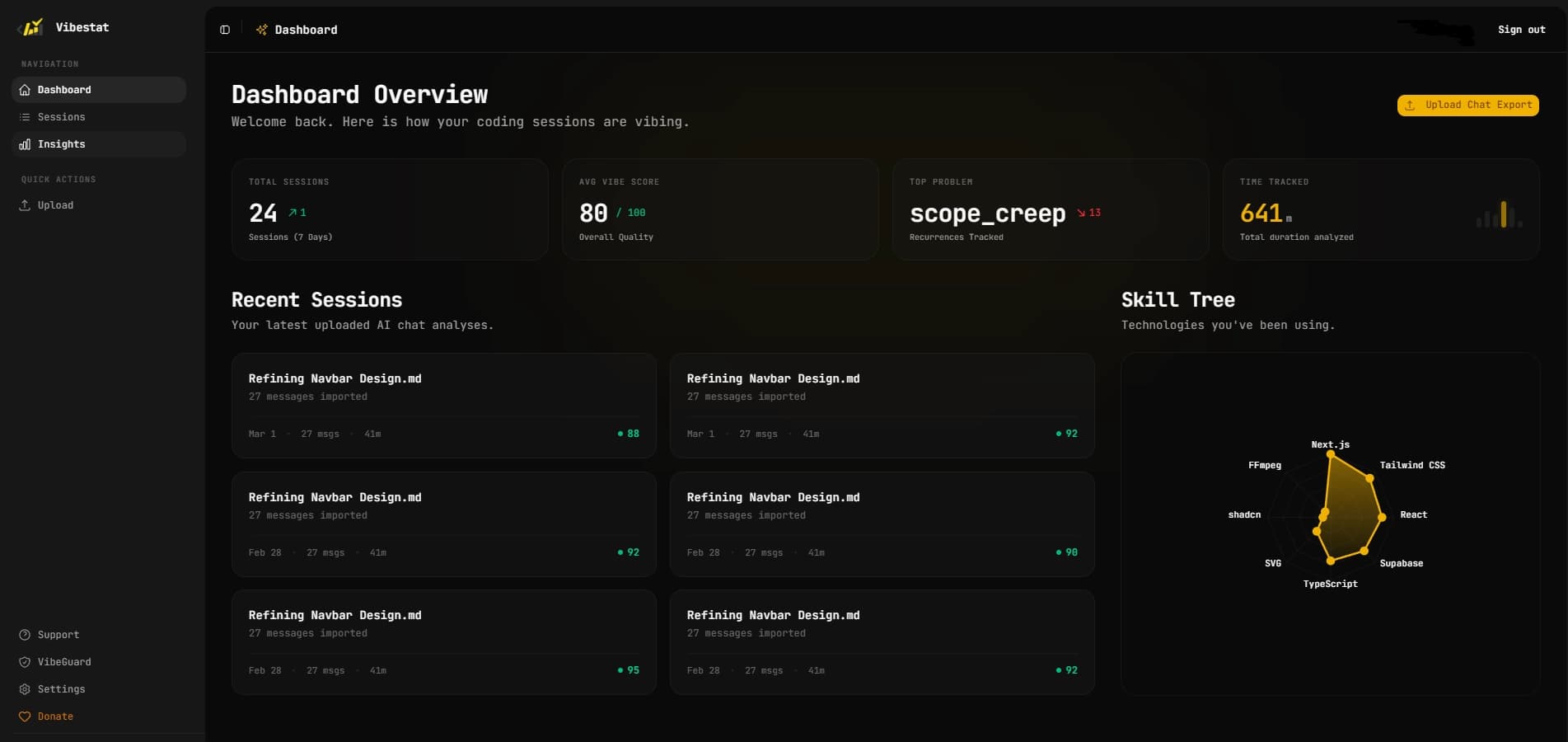
Every line of code, every framework mentioned, and every language analyzed passively adds Experience Points (XP) to your personalized radar. See exactly what stack you use the most, and visually map your growth over months of coding.

Cross-session Insights & Patterns.

Don't treat each session as an isolated event. Vibestat reads across all your uploads to find reoccurring problems. If you constantly struggle with React Hooks across 10 different projects, the engine flags it, ensuring you know exactly where to focus your learning.

Everything you need to improve.

Stop guessing what you're good at. Let data drive your development workflow.

Time Tracking

Our engine calculates the timestamps between AI prompts to accurately estimate how much actual time you spent actively coding vs reading docs.

Strengths & Weaknesses

Every analyzed file returns a custom list of exactly what you did excellently, and what anti-patterns you accidentally fell into during the session.

Instant Analysis

Just drop your exported .md file from Cursor natively into the dashboard and see the results load within seconds. Fully automated.

Frequently Asked Questions

Everything you need to know before you start vibing.

The Vibe Score is a 0–100 grade generated by our AI engine that measures the quality of your prompt engineering during a coding session. It evaluates whether you clearly defined context, avoided confusing the AI, and maintained focus — helping you understand how effectively you're communicating with AI tools.

Vibestat accepts Markdown (.md) files exported directly from Cursor AI. Any other file format will be rejected. The file should contain your full AI chat conversation from a coding session.

In Cursor, open the chat panel and look for the export or share option in the conversation menu. Cursor lets you save the conversation as a .md file. Once exported, drag it into Vibestat's Upload page or click to select the file.

The Skill Tree is a radar chart that maps the technologies, frameworks, and languages detected across your sessions. Every session automatically awards XP to the relevant skills, so you can visually track which parts of your stack you use the most and how your expertise grows over time.

Vibestat analyzes the timestamps between your AI prompts to estimate how much time you actively spent coding versus waiting or reading. It then reports your total session duration in minutes on your dashboard.

Cross-Session Insights aggregates data across all your uploaded sessions to surface patterns you wouldn't notice from a single session. It shows your Vibe Score trend over time, your strongest and weakest coding areas, and the recurring problems that keep appearing across your projects.

A Top Problem is the most frequently flagged anti-pattern or recurring difficulty detected in your sessions. For example, if the AI had to repeatedly clarify React Hook usage across multiple conversations, that surfaces as your top problem — telling you exactly where to focus your learning.

Yes. Your uploaded files are processed by our AI pipeline and then discarded — we do not permanently store your raw chat content. Only the derived analytics (scores, tags, skill XP, problem frequencies) are saved to your account. We never sell or share your data with third parties.

On the free plan you can upload as many sessions as you need to get started. Each upload is analyzed independently and your cross-session insights automatically update as you add more sessions.

Yes. You can delete individual sessions from the Sessions page in your dashboard. Deleting a session permanently removes its associated analytics data from your account.

Ready to find your vibe?

Join the next generation of engineers who use AI not just to write code, but to understand how they write it.